
Architecture - search - part 11
I can't find anything by myself
After about 200-300 packages I just couldn't find whether I had enabled this or that feature in package X or Y. I'm like, did I remember to enable OpenSSL in this or that? Did we wrap up enabling Linux-PAM here or there? What did I do again for these --enable-options.
Which is a terrible waste of time. Repos will just grow and grow. Recipes will always get more complex over time. And it's not just me that can't find things quickly, it's scripts and code, too. Everything benefits from a quickly accessible cache of textual data that describes all the content.
Full text search in the dispatch web interface
The obvious solution is what I've built. The dispatch-web interface offers a view into pretty much any aspect of every recipe and package, as a full text search feature. The data in the search database are contributed by package builds being published. And garbage collection takes care of older items rolling out of the view at the other end.
That means that whatever compile flags you need, or just anything from any recipe can just be a quick type in a search input box. Much like google, but without the enshittification of google search results.
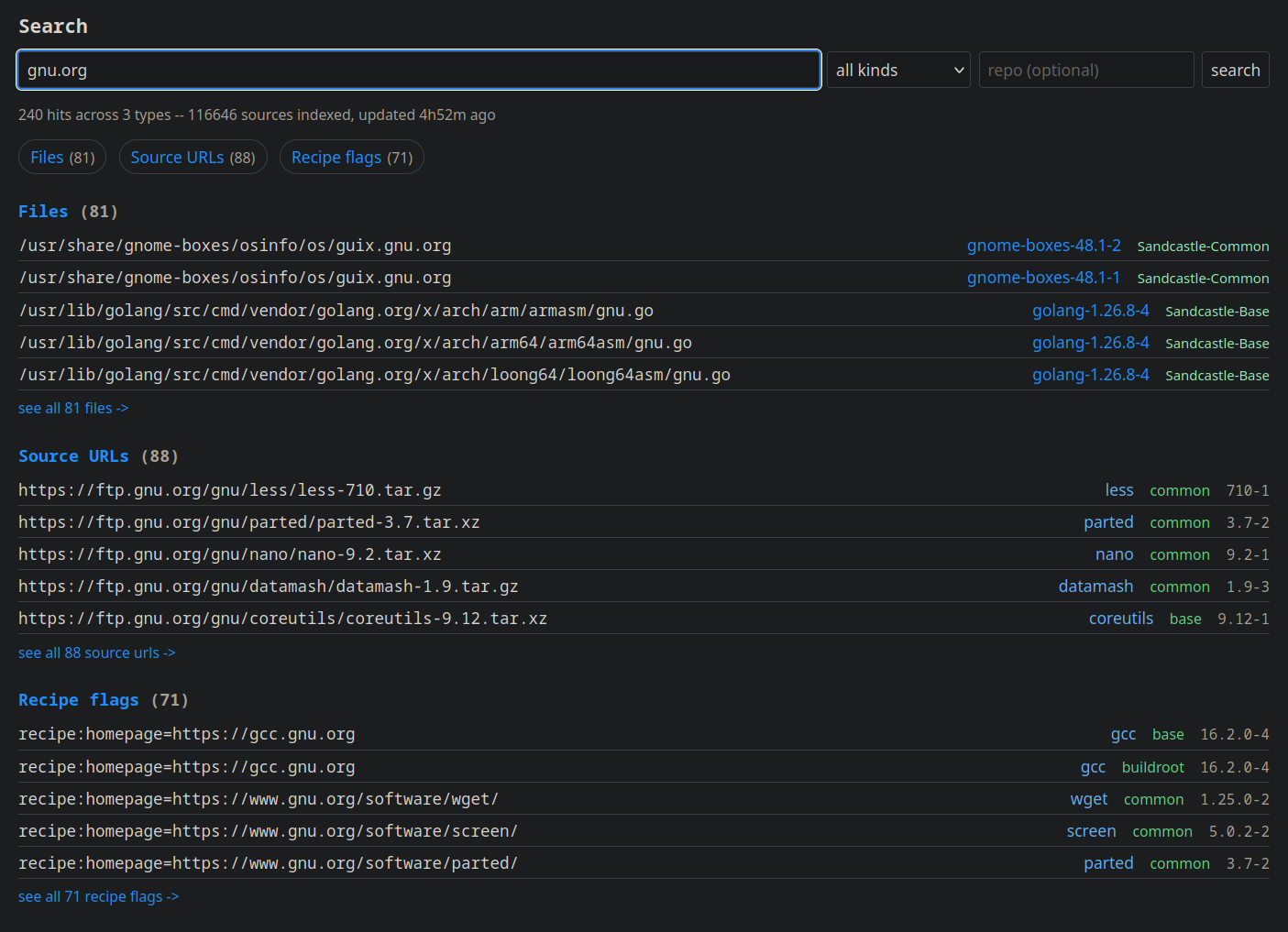
The search results can be filtered by the specific categories that the search ingest code knows about. They are recipes, packages, provides and requires, conflicts, URLs and file names, patches, and compile options. This covers all the basics.
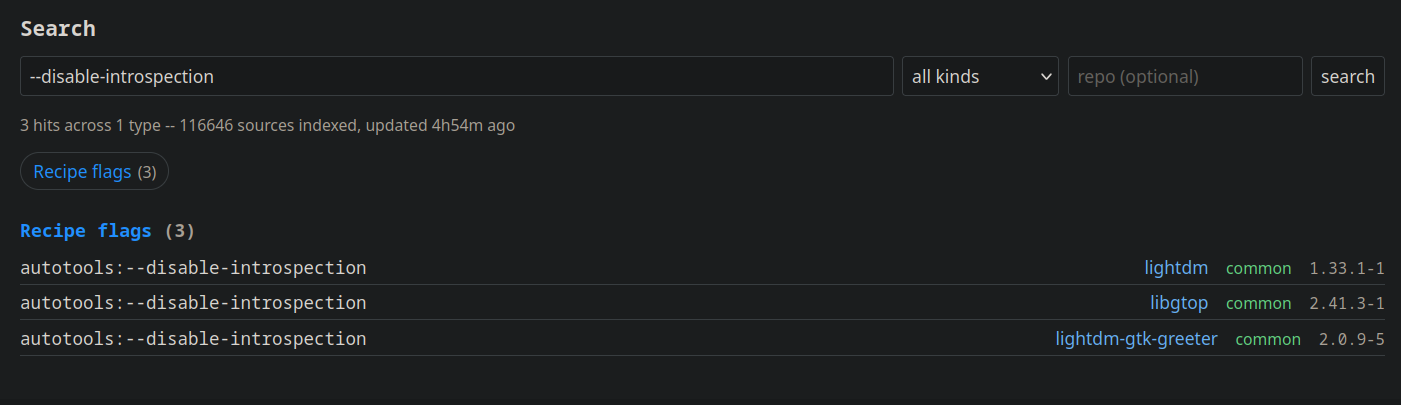
Searching for disabled or enabled features with autotools like option flags can be done directly. Here you can see we have gobject-introspection disabled for LightDM and libgtop. Both these are intentional, actually. It's super handy to see if we didn't forget to enable or disable something.
You can search by provides/consumes and see who requires a certain pkgconfig dependency or generates it. The same way we can see what links against a certain library.
Much more efficient work flows
This is another feature that just is a total no-brainer. Working on a whole distro can become overwhelming and nothing is worse than having to manually browse through long lists of packages or files to find that one thing that you need but you aren't 100% sure about whether it was package-repo-file or repo-package-file. The full text search takes the expensive lookup and returns the result in a way that humans can parse it.
I generally use this to quickly find and bump recipes that need rebuilding, for instance. The search finds consumers easily. I can open up the recipes in the web-based recipe editor, bump release and get a build going in just a few seconds. In the old days we'd have to do a git clone, figure out in a long list of files with manual greps and recursive searches which recipes needed modification, and then from each directory call the build tools to do scratch builds.
In many ways I'm building these interfaces around myself. Once other people start using these features, it will be incredibly interesting to see what other things people can build to make it fit around them. The search feature is certainly not complete yet, so, I'll look forward to seeing everyone start playing with it, soon.
--sofar (aka Auke)